Finding a new job can be hard, but getting a great resume should be simple. When you search for a free resume templates pdf download, you want a quick and reliable way to build a document that hiring managers love. Many job websites promise free files, but they trick you with hidden paywalls or hard-to-edit tools. A Portable Document Format (PDF) file is the best choice because it keeps your fonts, margins, and layout looking perfect on any device. In this guide, you will learn how to find the best blank templates, make them pass employer screening software, and save them to your computer without paying a dime.
Why You Should Choose PDF Over Word
When sending a job application, always send a PDF file unless the job posting asks for something else.
-
The Layout Stays Fixed: Word files can change alignment when opened on a different computer, phone, or tablet. A PDF looks identical everywhere.
-
No Accidental Edits: A PDF locks your text so recruiters do not accidentally delete words while reading your work.
-
Professional Impression: PDF files look clean, modern, and ready to print.
How to Select the Best Free Resume Templates PDF Download
Not all template styles work for every job. Pick the style that matches your career level:
-
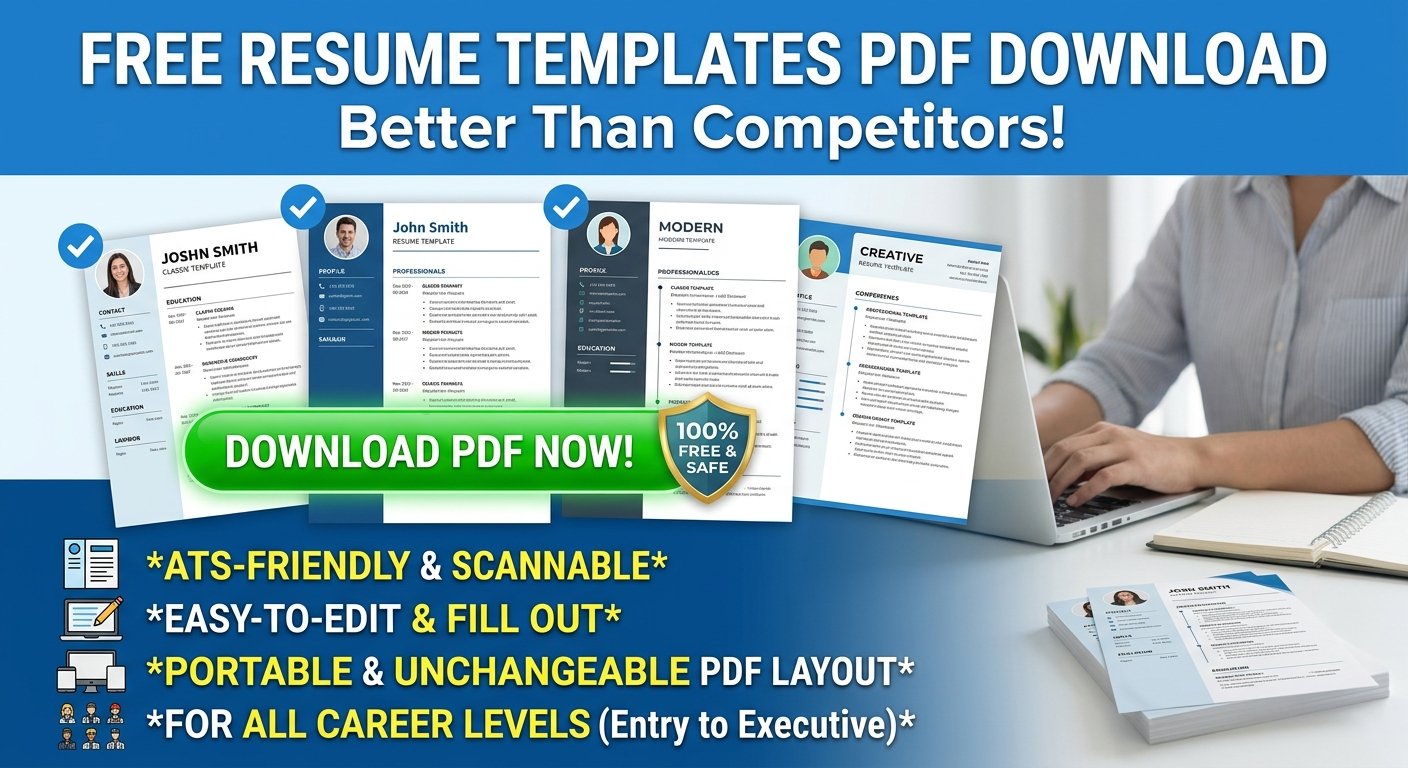
Simple & Minimalist: Best for traditional jobs like accounting, teaching, or office work. These use basic fonts and single-column lists.
-
Modern Layouts: Great for technology, sales, or management roles. They add subtle color accents while staying professional.
-
Creative Designs: Ideal for graphic designers, artists, and marketers who need to showcase personality.
-
First Job Templates: Tailored for students and new graduates to focus on education and skills instead of long work histories.
Step-by-Step Guide to Get Your Free Template
Follow these four simple steps to create and save your document:
-
Find a Free Base Template: Open Google Docs or Microsoft Word and browse their built-in free template galleries.
-
Fill in Your Information: Add your name, contact details, work experience, education, and top skills. Use simple bullet points.
-
Check for Applicant Tracking Systems (ATS): Avoid fancy tables, icons, or photo frames if you are applying online. Standard text ensures the hiring robot can read your work.
-
Export as PDF:
-
In Google Docs: Go to File > Download > PDF Document (.pdf).
-
In Microsoft Word: Go to File > Save As (or Export) > Select PDF format.
-
Frequently Asked Questions (FAQs)
Q1: How can I edit a PDF template for free?
You can edit a template inside Google Docs or Microsoft Word first. Once you add your details, use the export menu to save it as a new PDF file.
Q2: Will my free PDF resume work with ATS job portals?
Yes, as long as your layout uses clear headings, standard fonts (like Arial or Calibri), and simple single-column lists.
Q3: Is a one-page resume better than a two-page resume?
Yes! For most entry-level and mid-level workers, a single-page template is best because hiring managers spend less than ten seconds reviewing each application.
Q4: Are there really no fees for exporting to PDF?
Programs like Google Docs and Microsoft Word let you save your files as PDFs completely free of charge without any subscriptions or trial periods.
Conclusion
Securing your next job starts with a strong, clean document, and getting a free resume templates pdf download gives you the best chance to grab a manager’s attention. By avoiding paid traps, using clean ATS-friendly layouts, and exporting directly from free software, you save time and money. Pick your favorite layout today, add your best achievements, save your file as a PDF, and send out your job application with confidence!